Member Platform
Moving a large church’s member platform to a modern setup, without stopping it
We keep this client’s name private. The client is real, and so is the system.
- Client
- A large church in Singapore with many departments, ministries, and volunteer teams
- Industry
- Faith and Community Organizations
- Services
- Platform Modernization, Microservices Migration, Access Management
The challenge
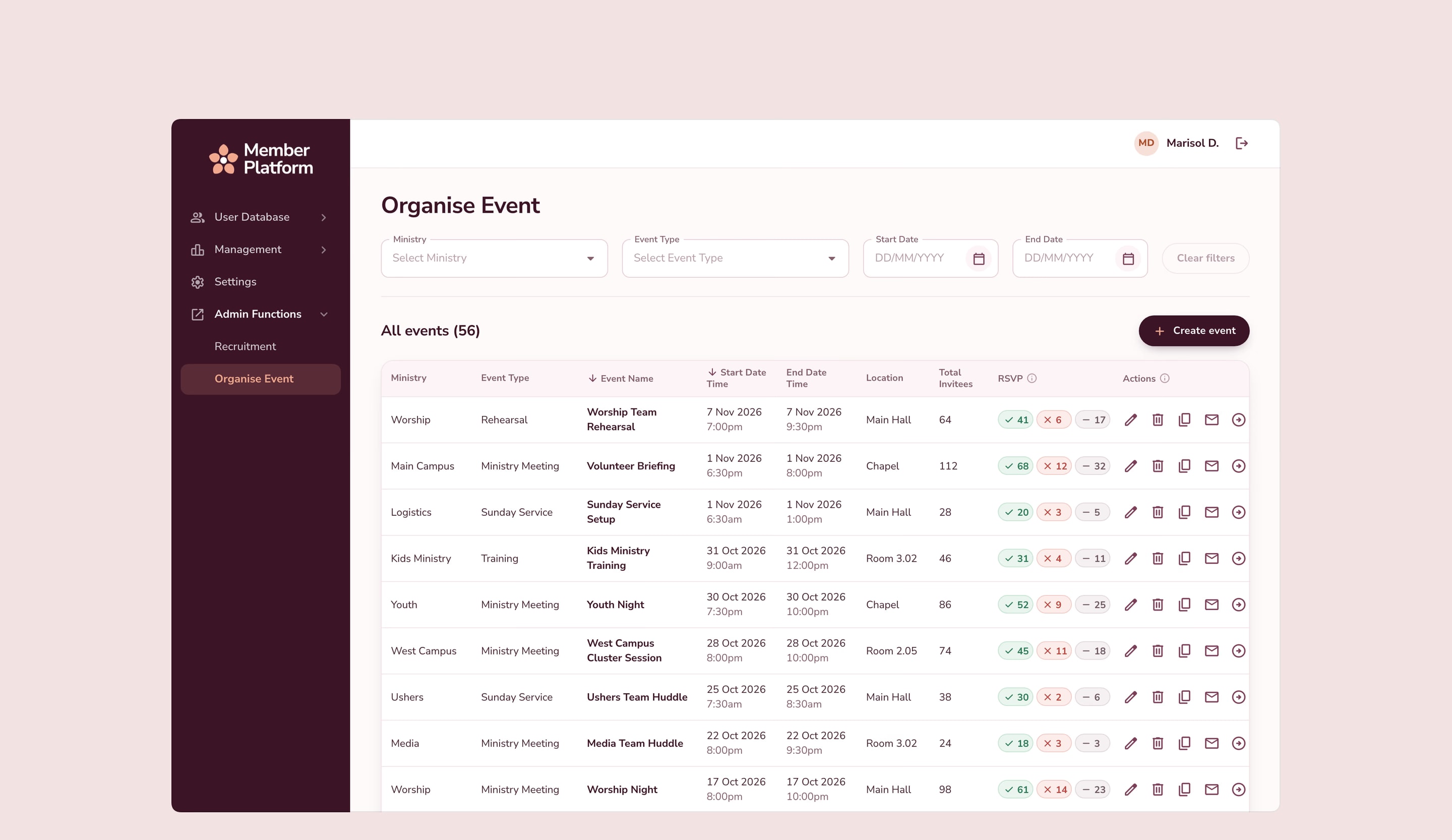
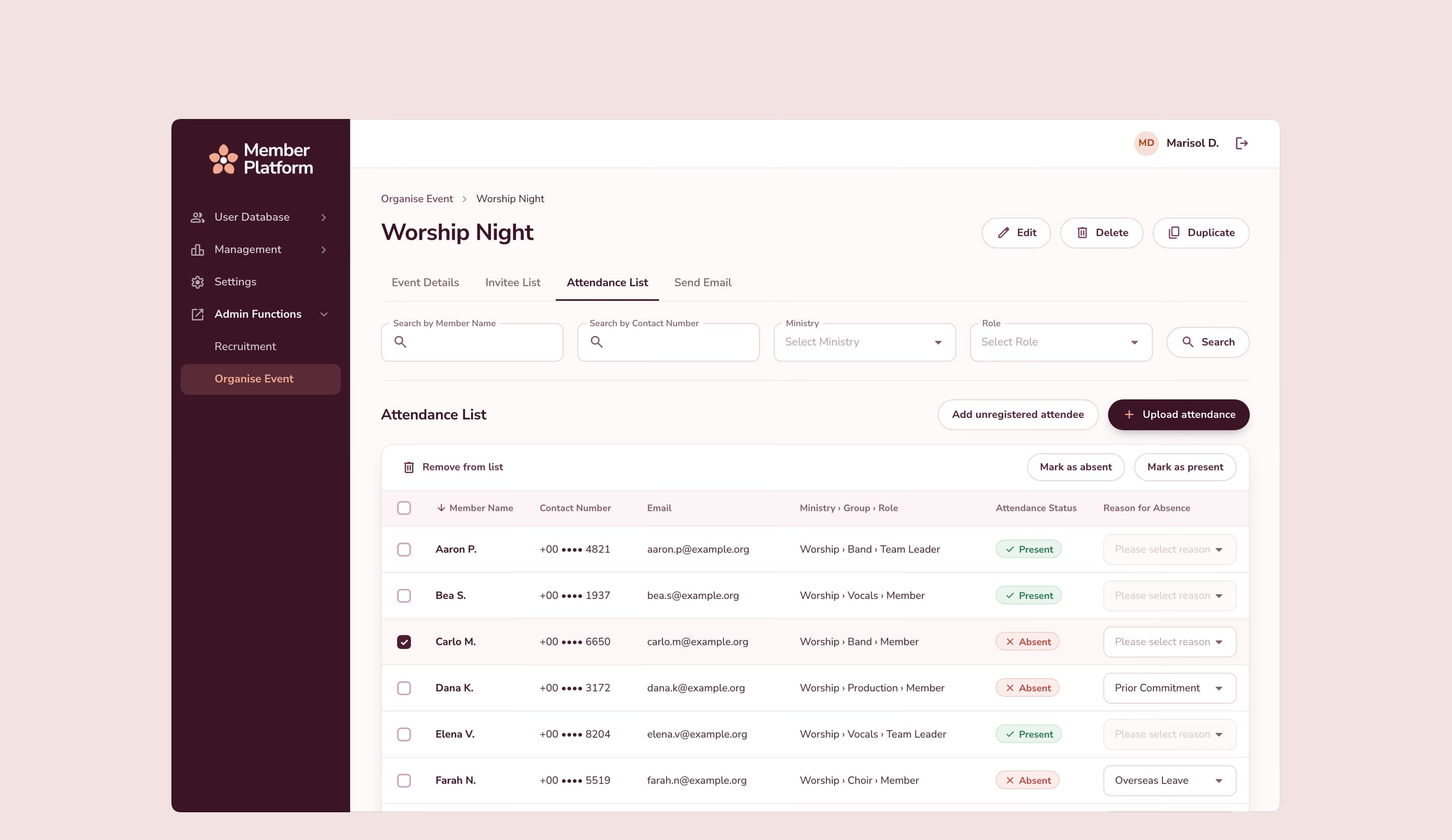
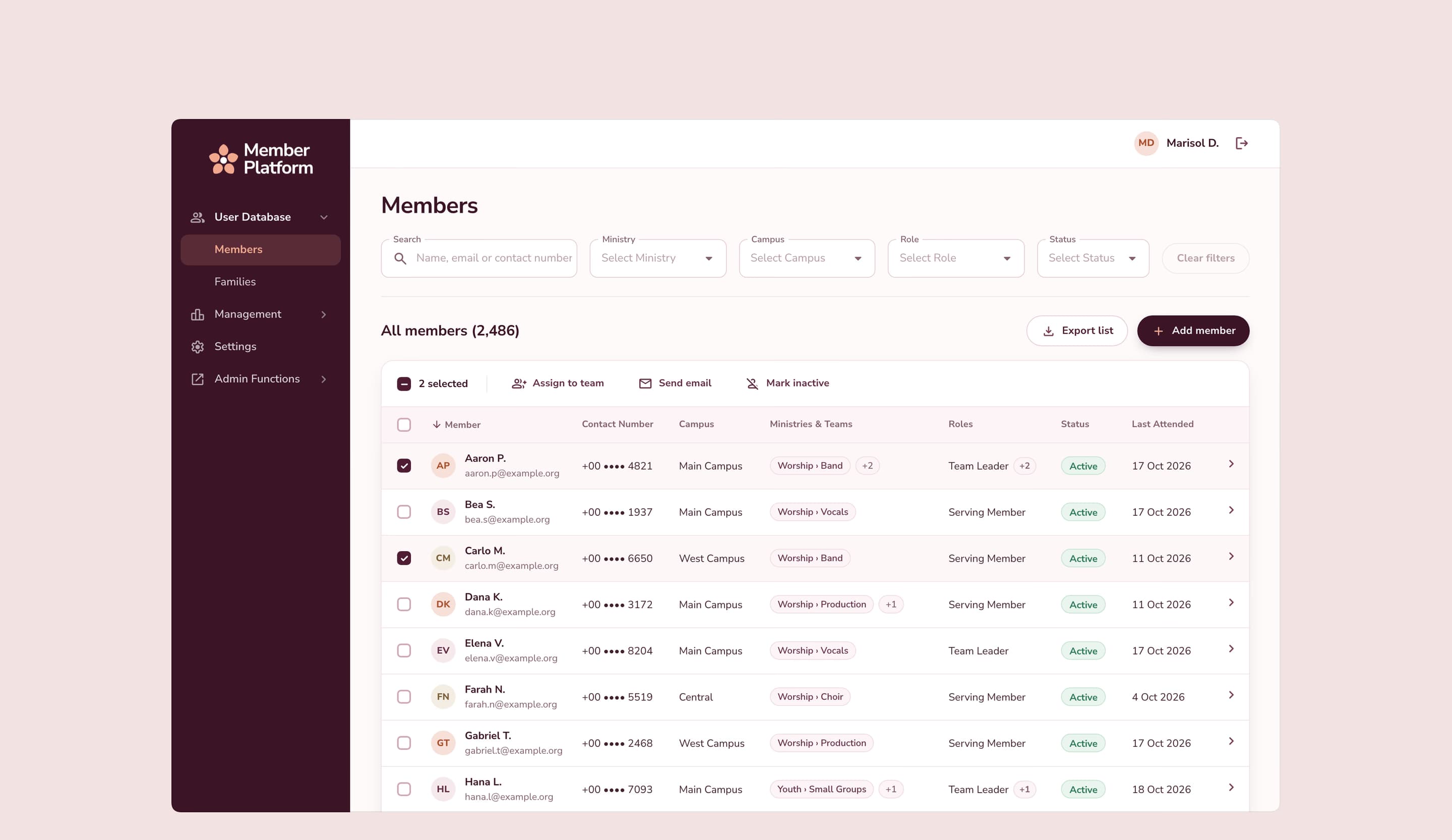
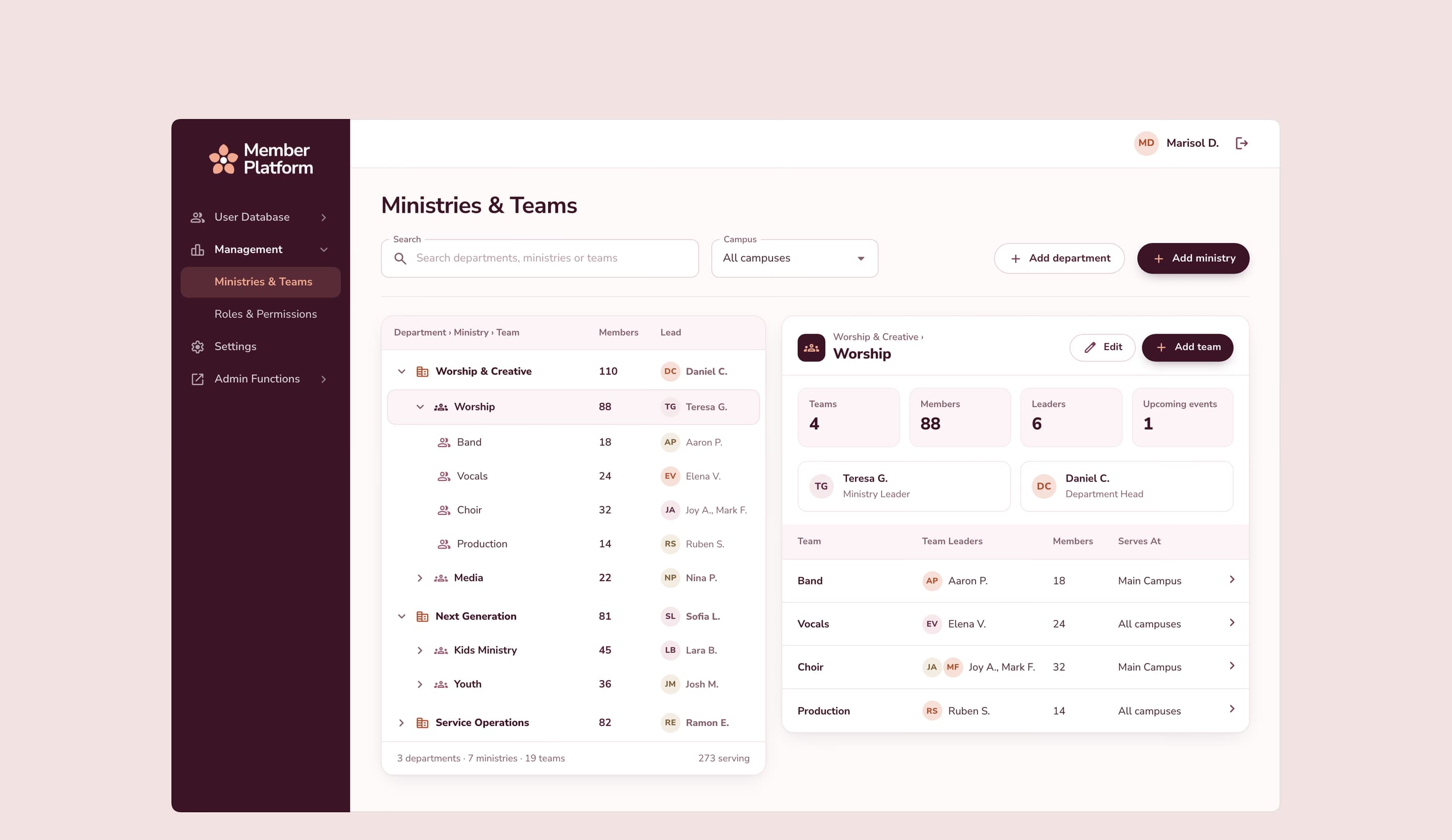
The church runs its membership, events, and volunteer teams on its own platform. That platform was built as one large old system with a big database and many outside connections. Every change was risky, and access rules couldn’t keep up with how the church is organized: departments, then ministries, then teams, then members.
What we built
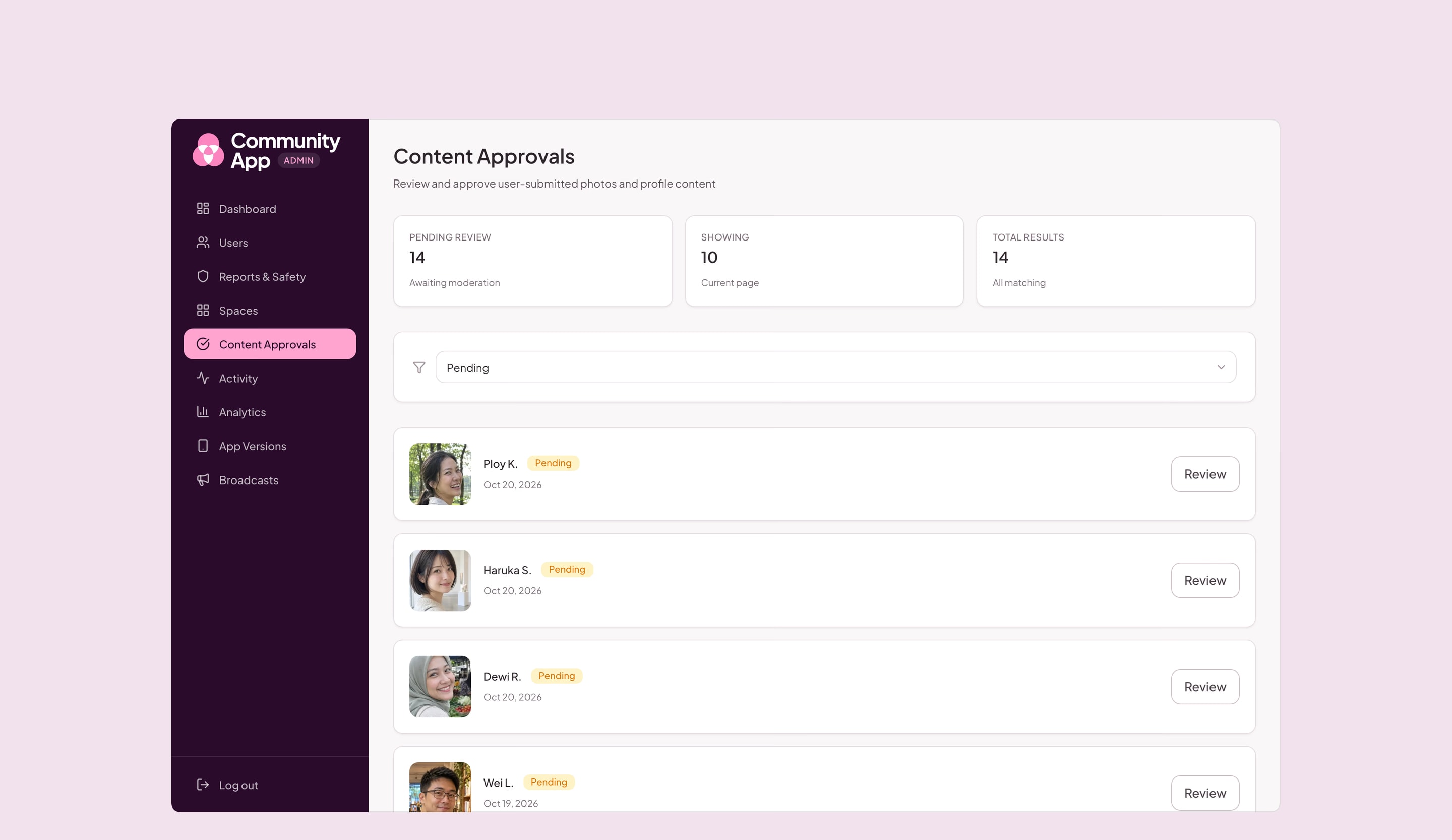
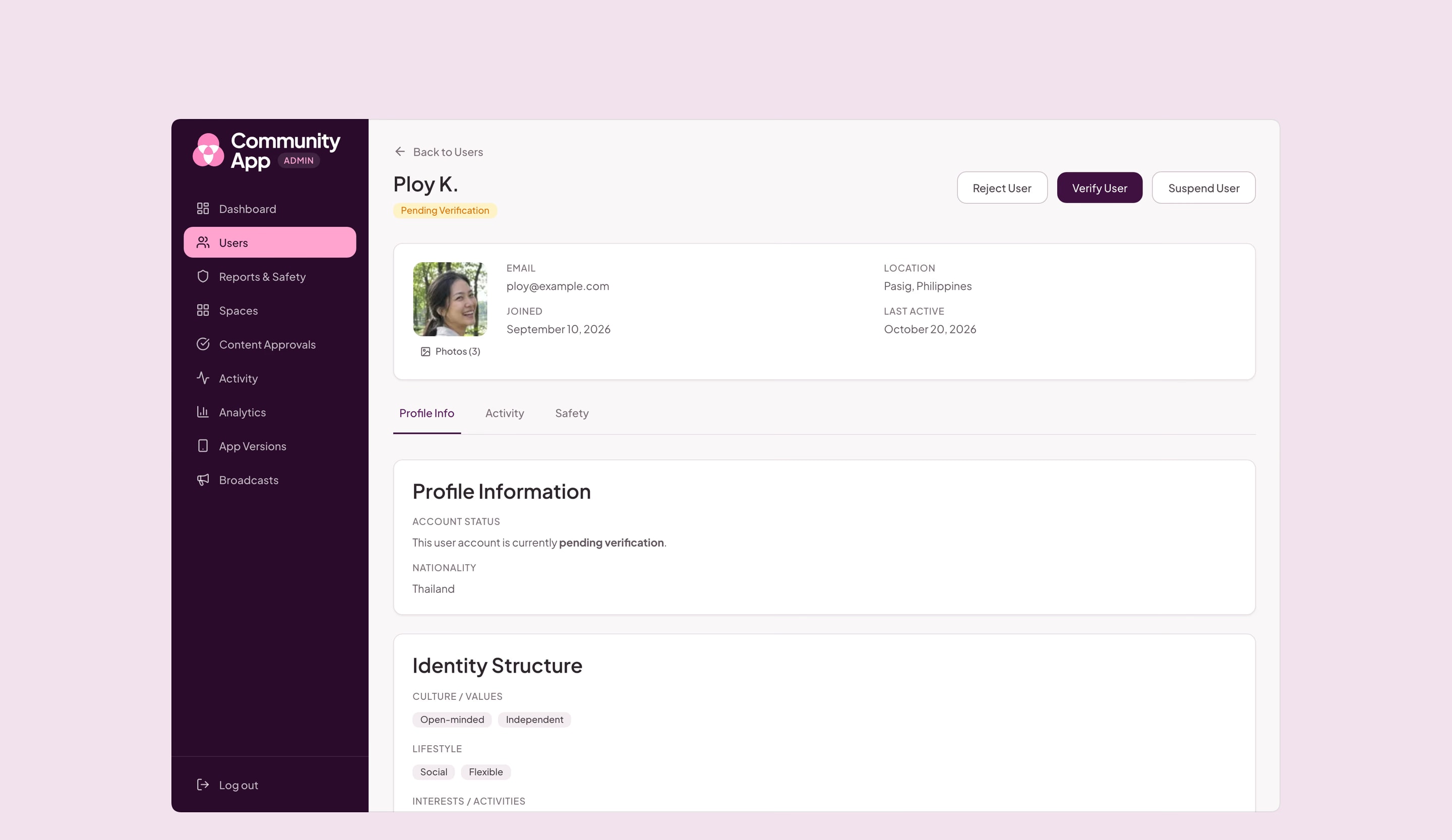
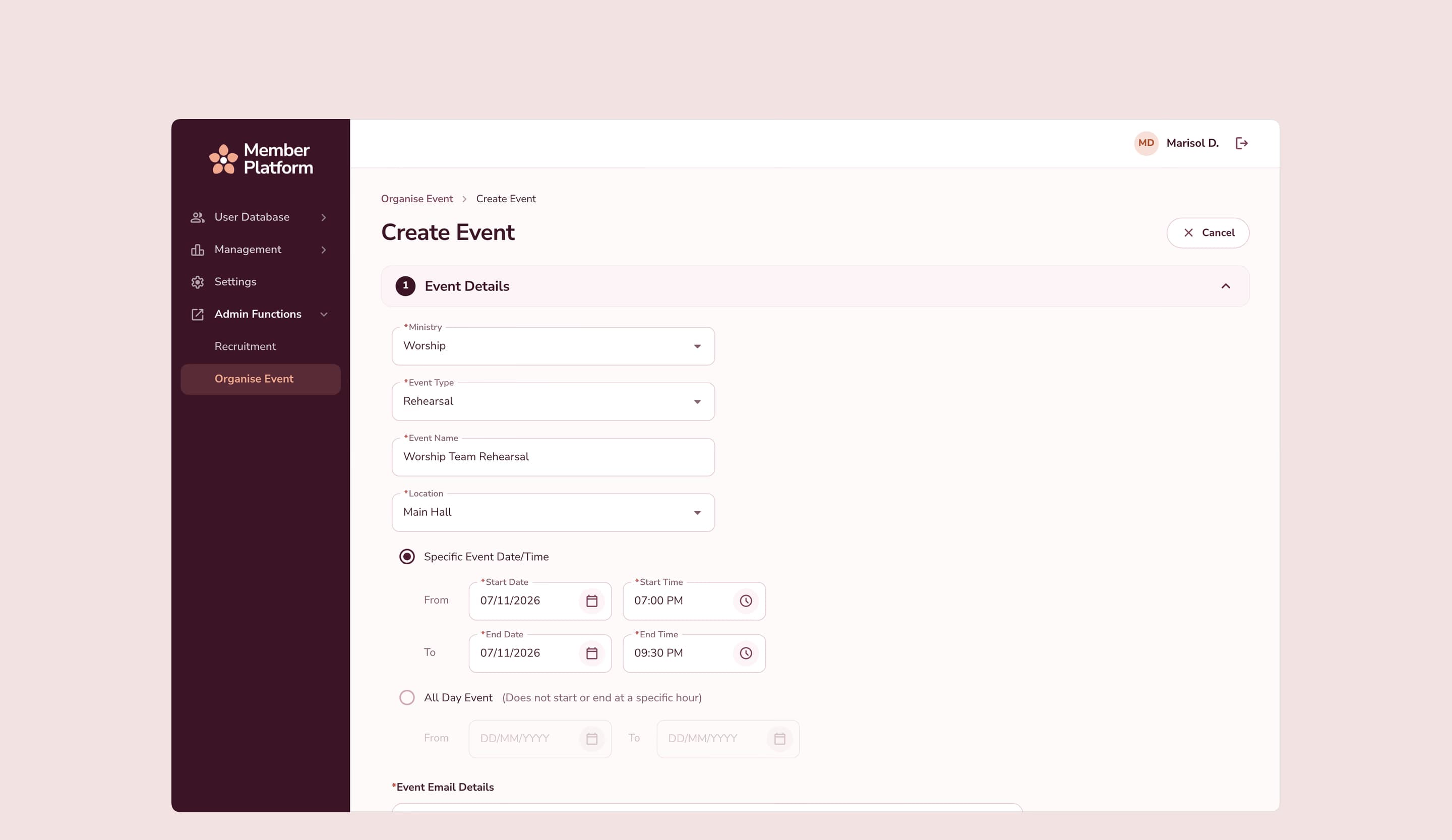
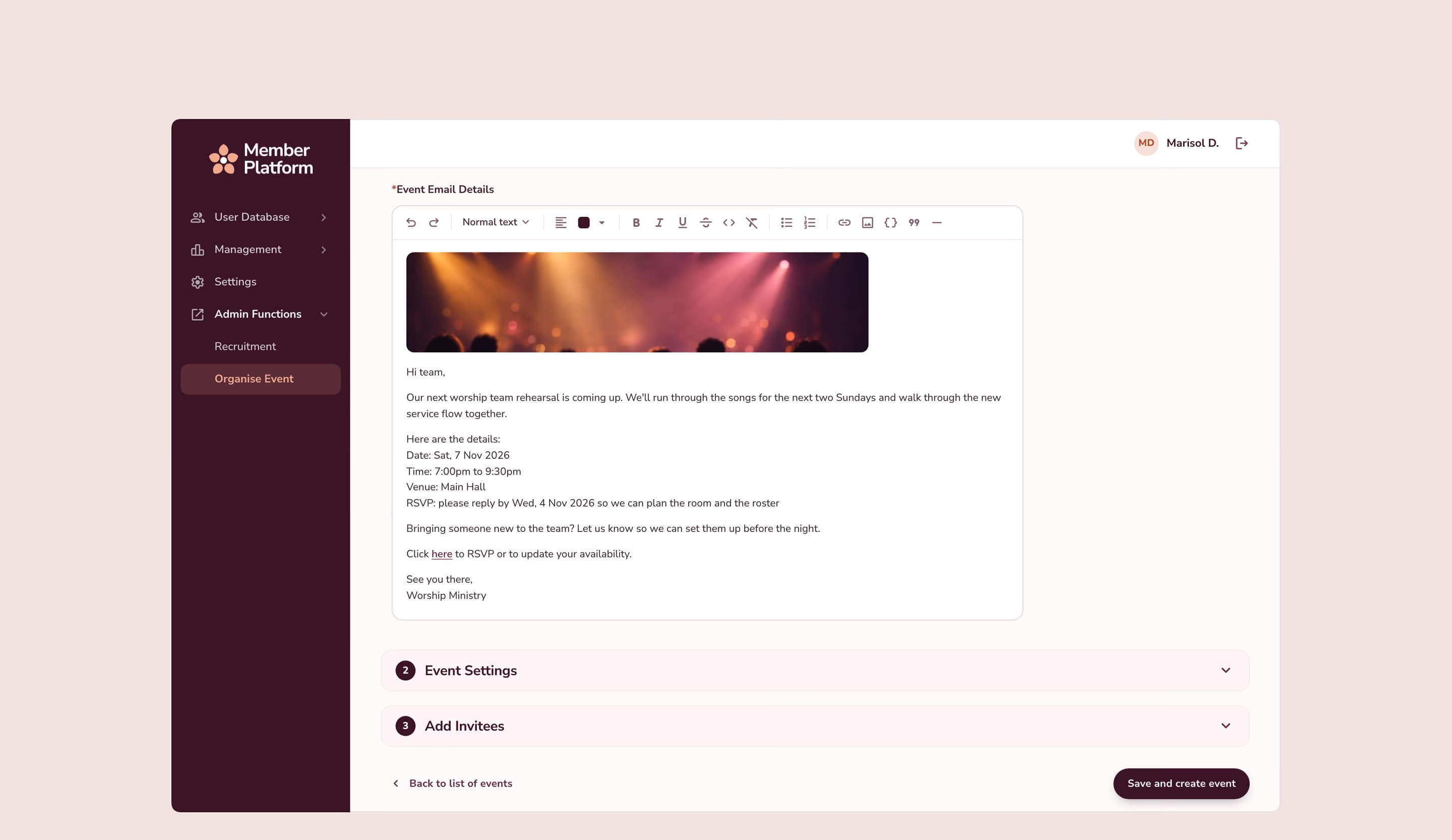
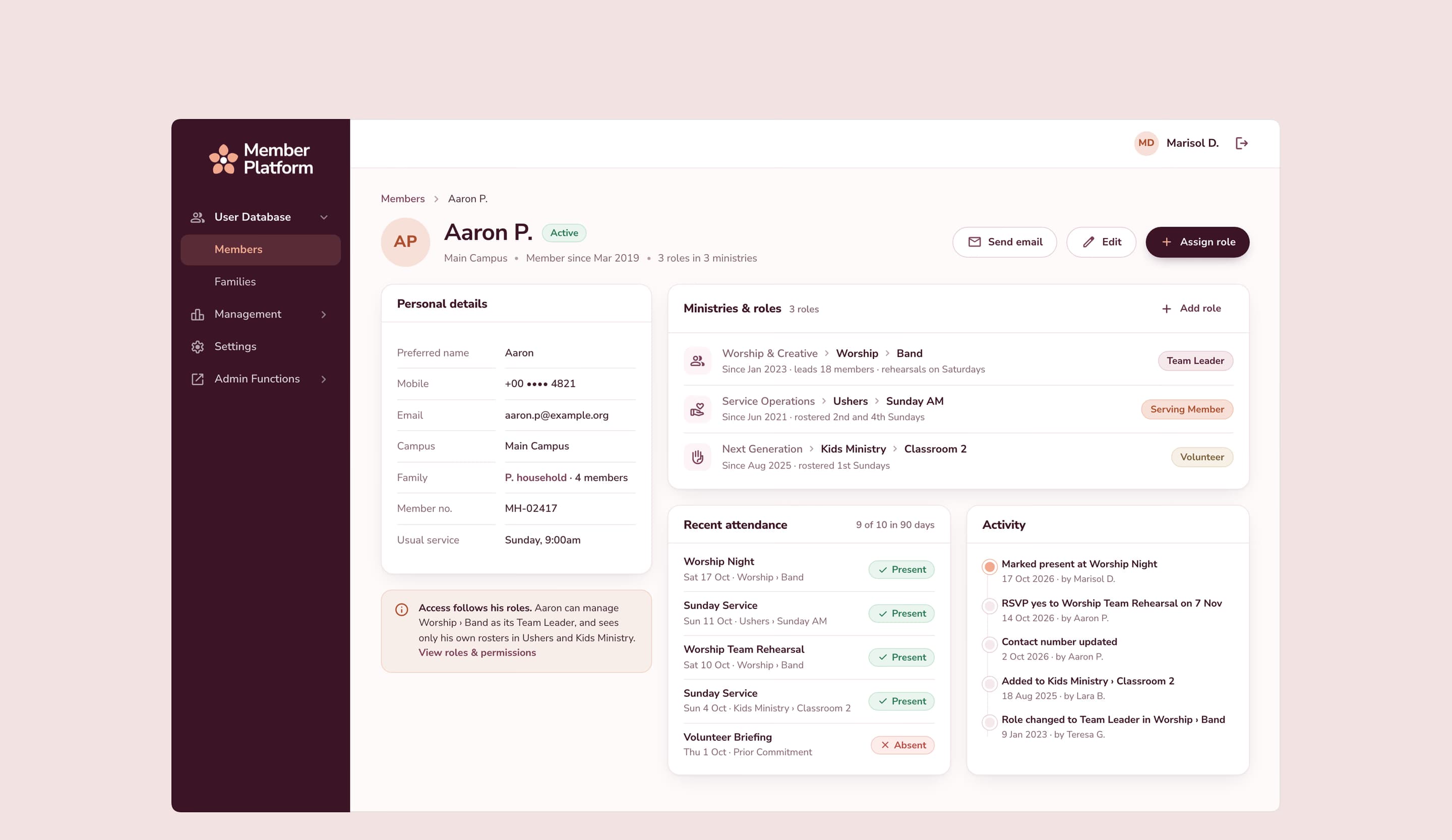
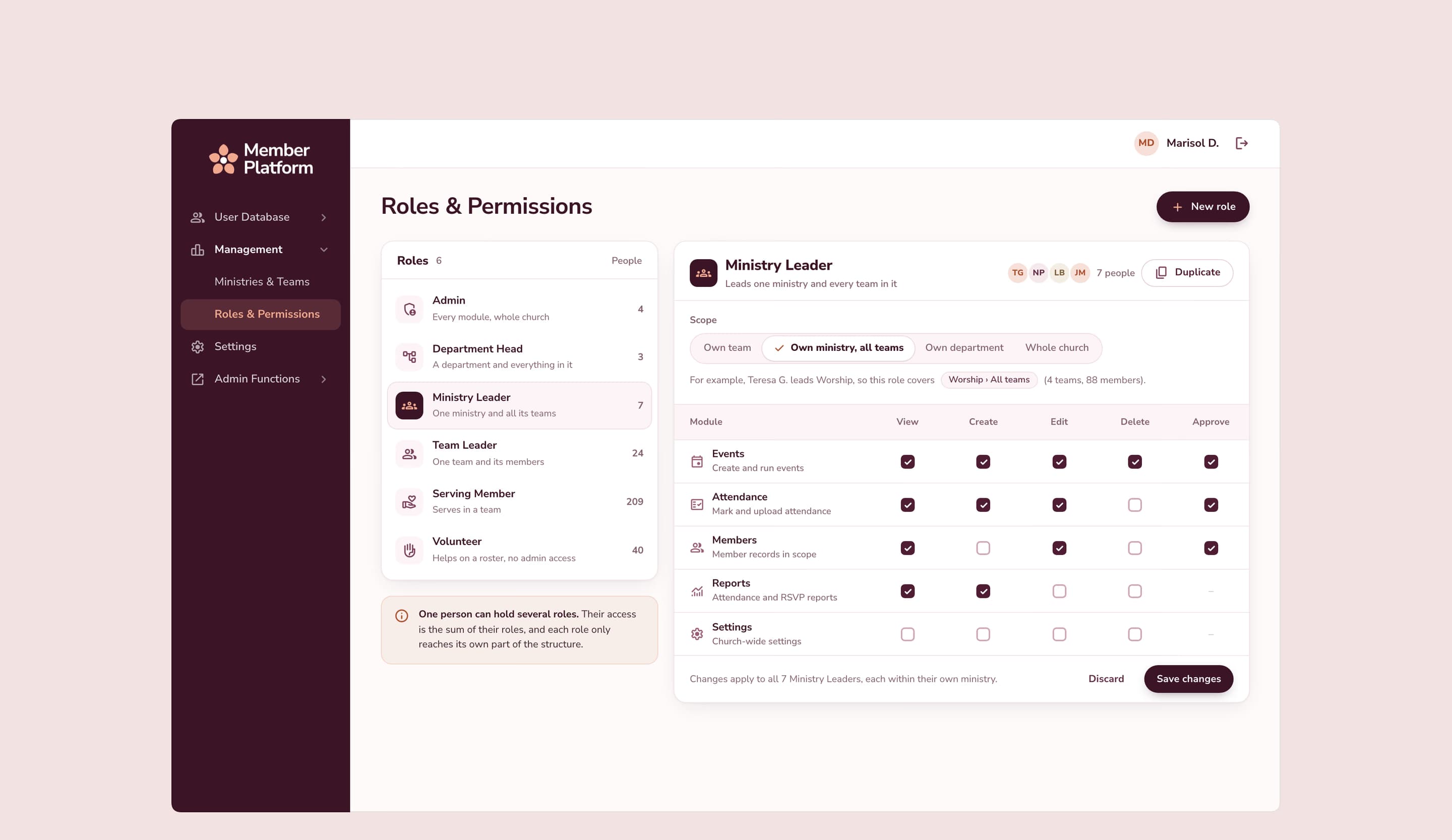
We moved the platform to smaller, separate services one piece at a time, so it stayed live the whole time. We built a roles and permissions system that follows the church’s structure. One person can hold several roles, like team leader or serving member, and admins control exactly what each role can see and do. On the same platform, we also built a dashboard that tracks how many children and teachers are in each kids’ classroom during services.
The result
The platform was modernized step by step, with no big-bang cutover.
Access matches the real structure of the church, from departments down to teams.
More than a year of continuous work, extended several times, with an AI assistant layer now being scoped.
More work
Construction Management
From spreadsheets to one system in 26 days

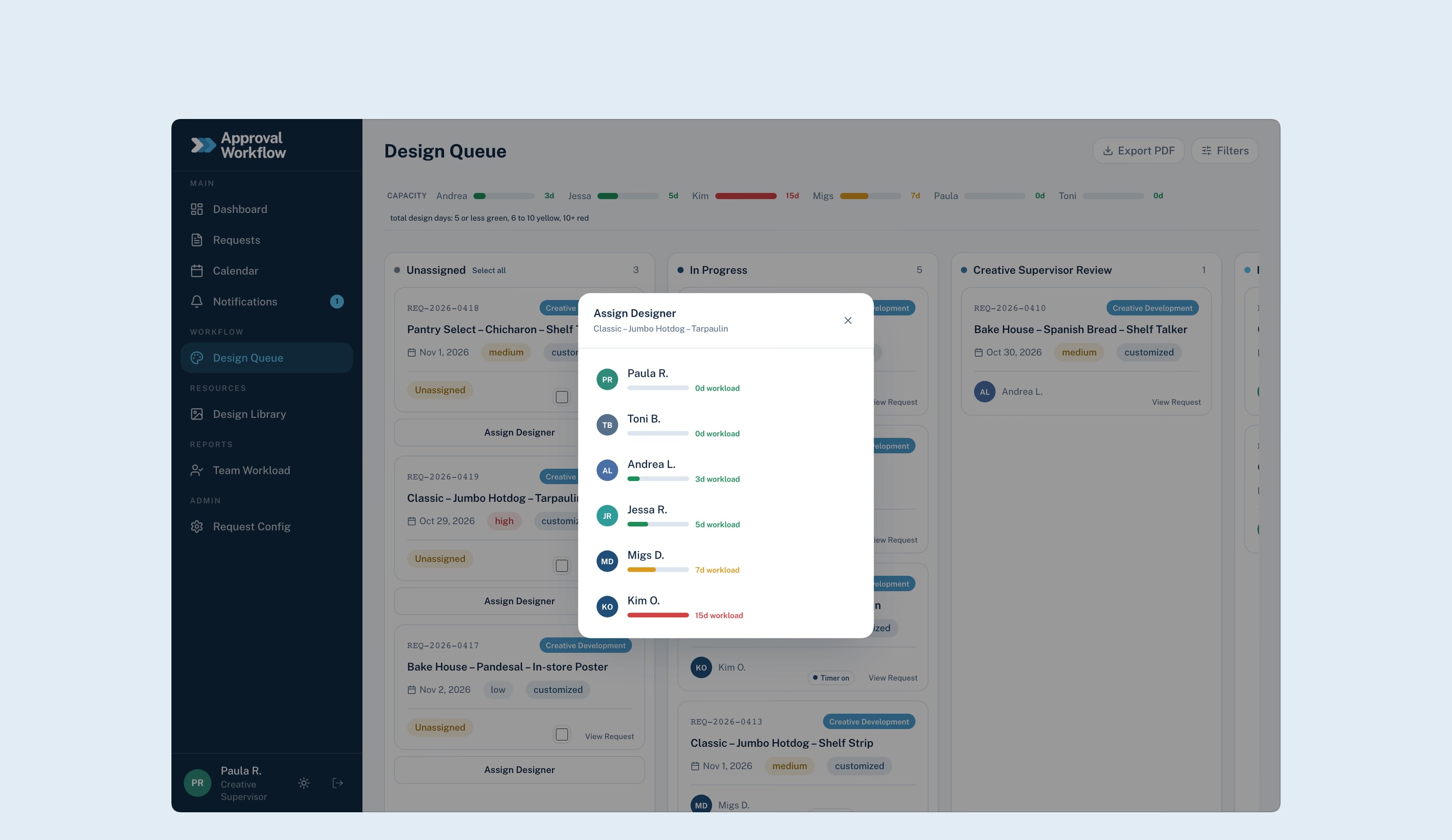
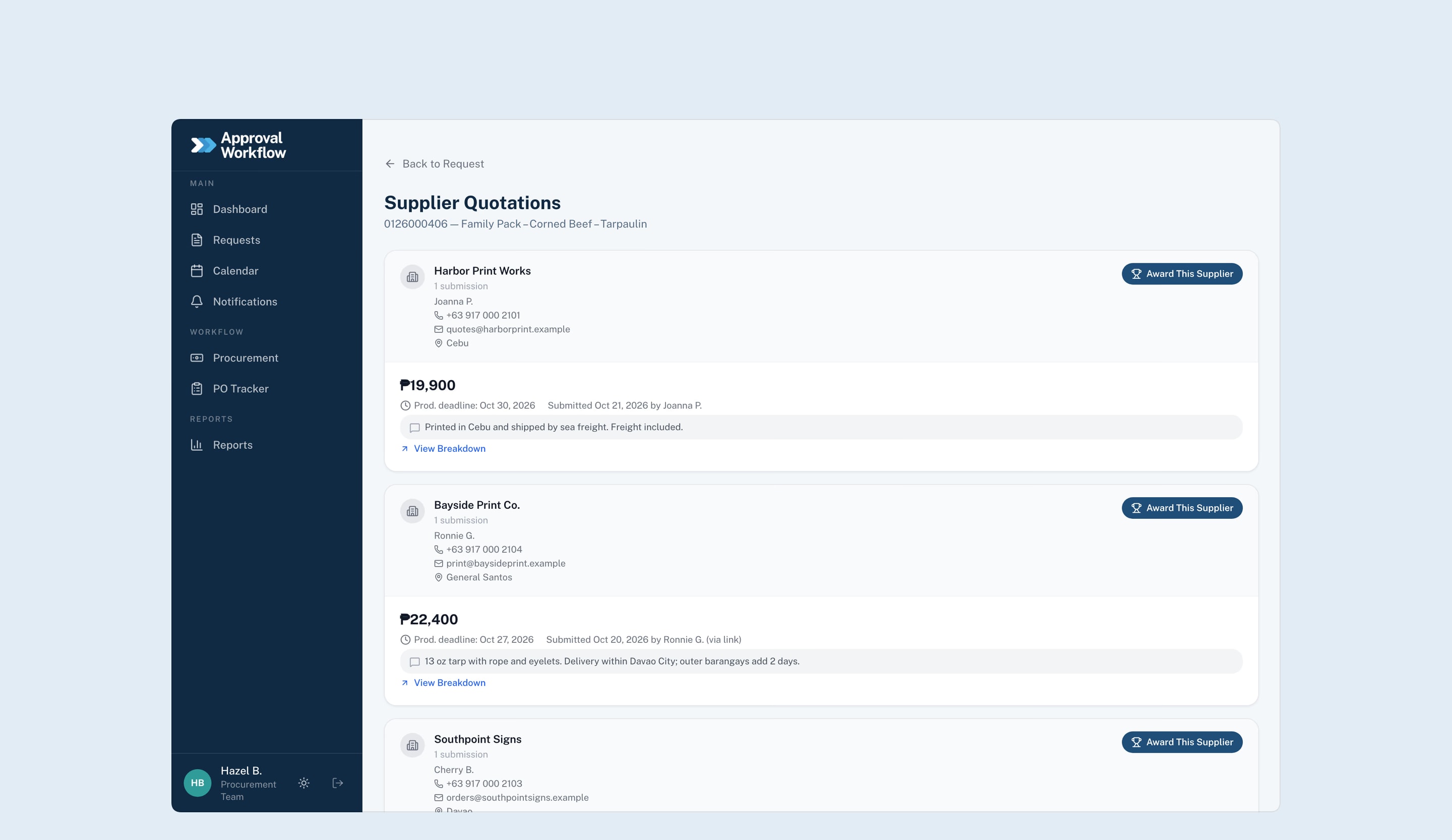
Approval Workflow
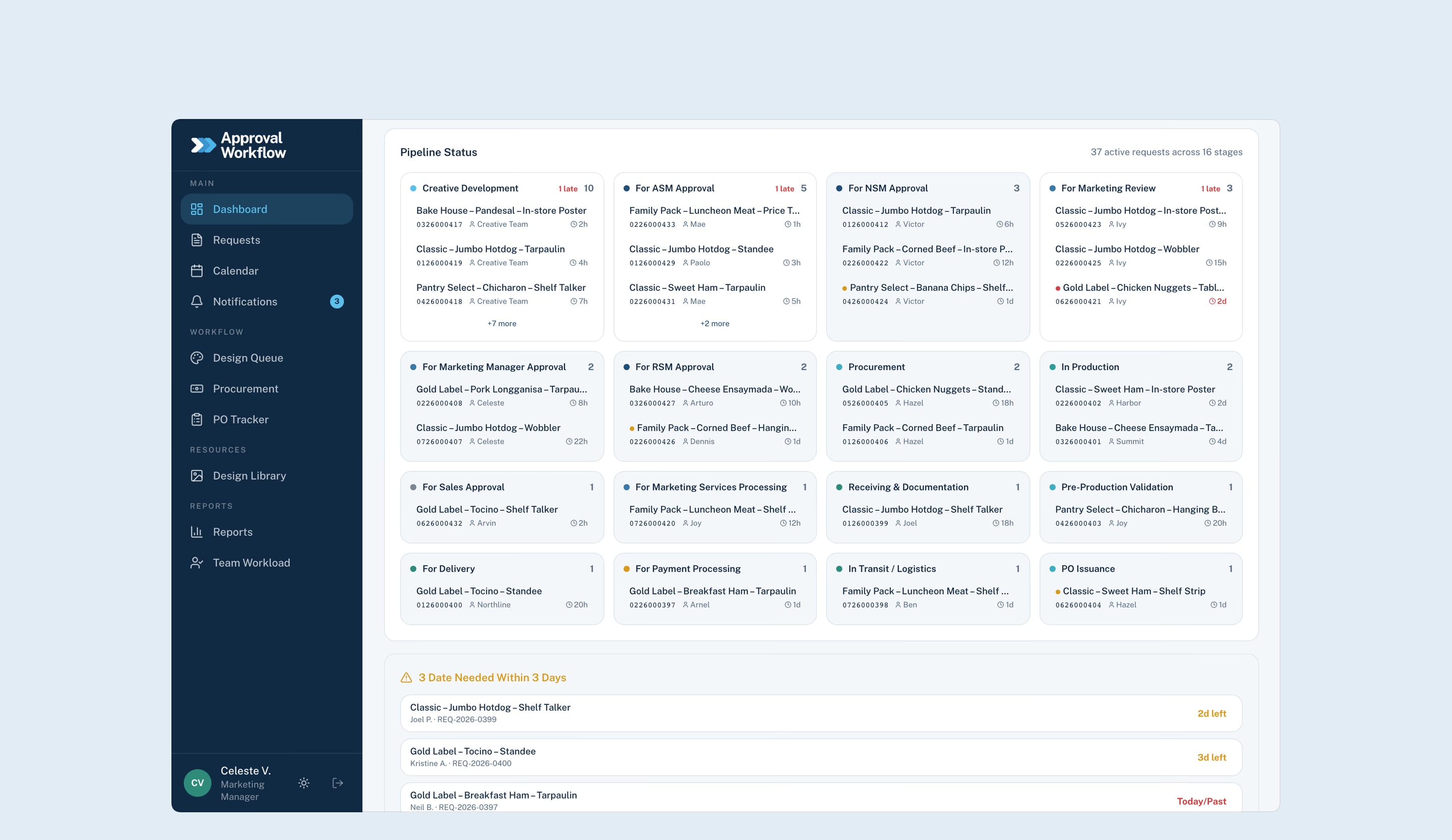
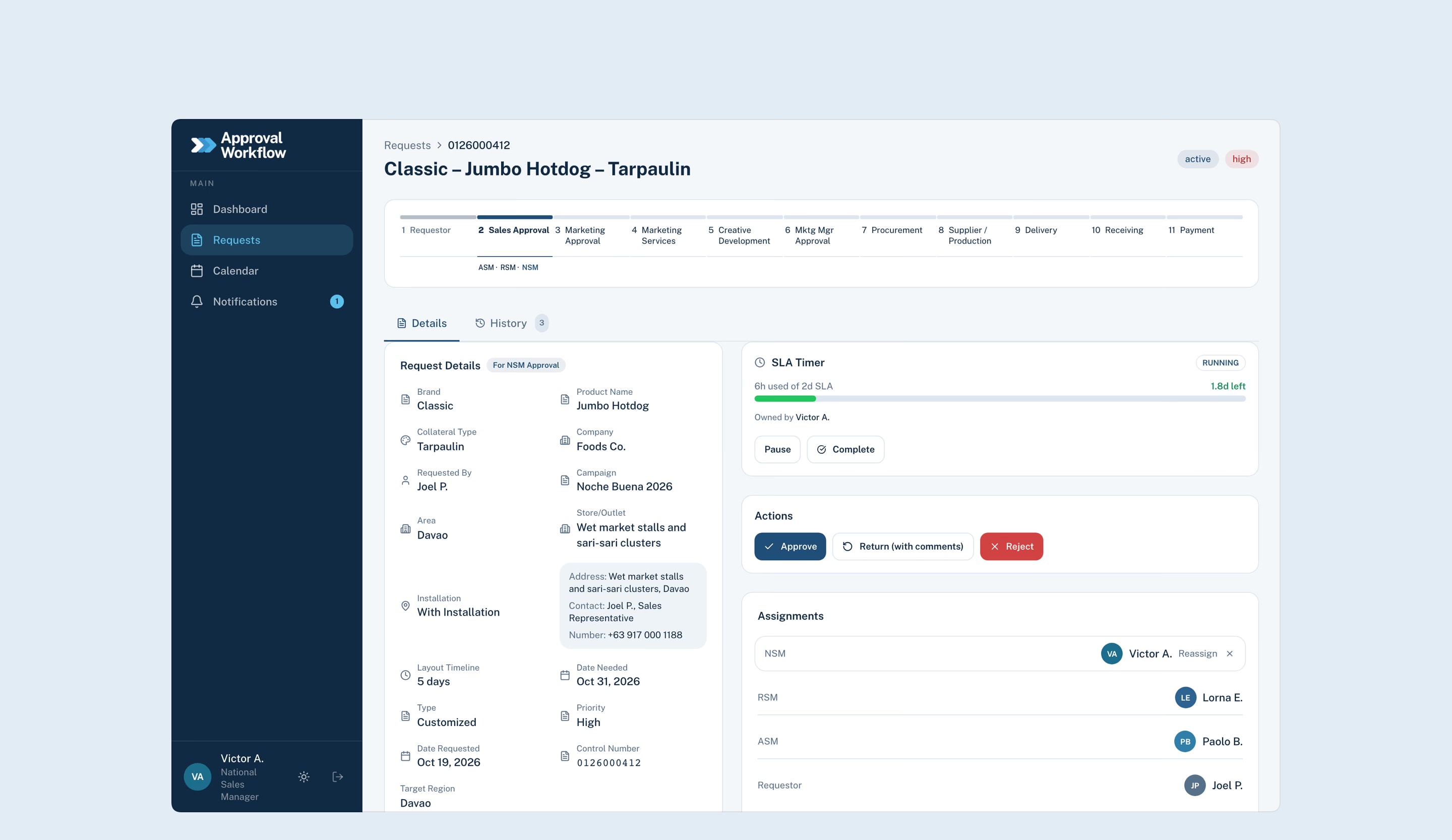
From chat threads to one system in 4 weeks
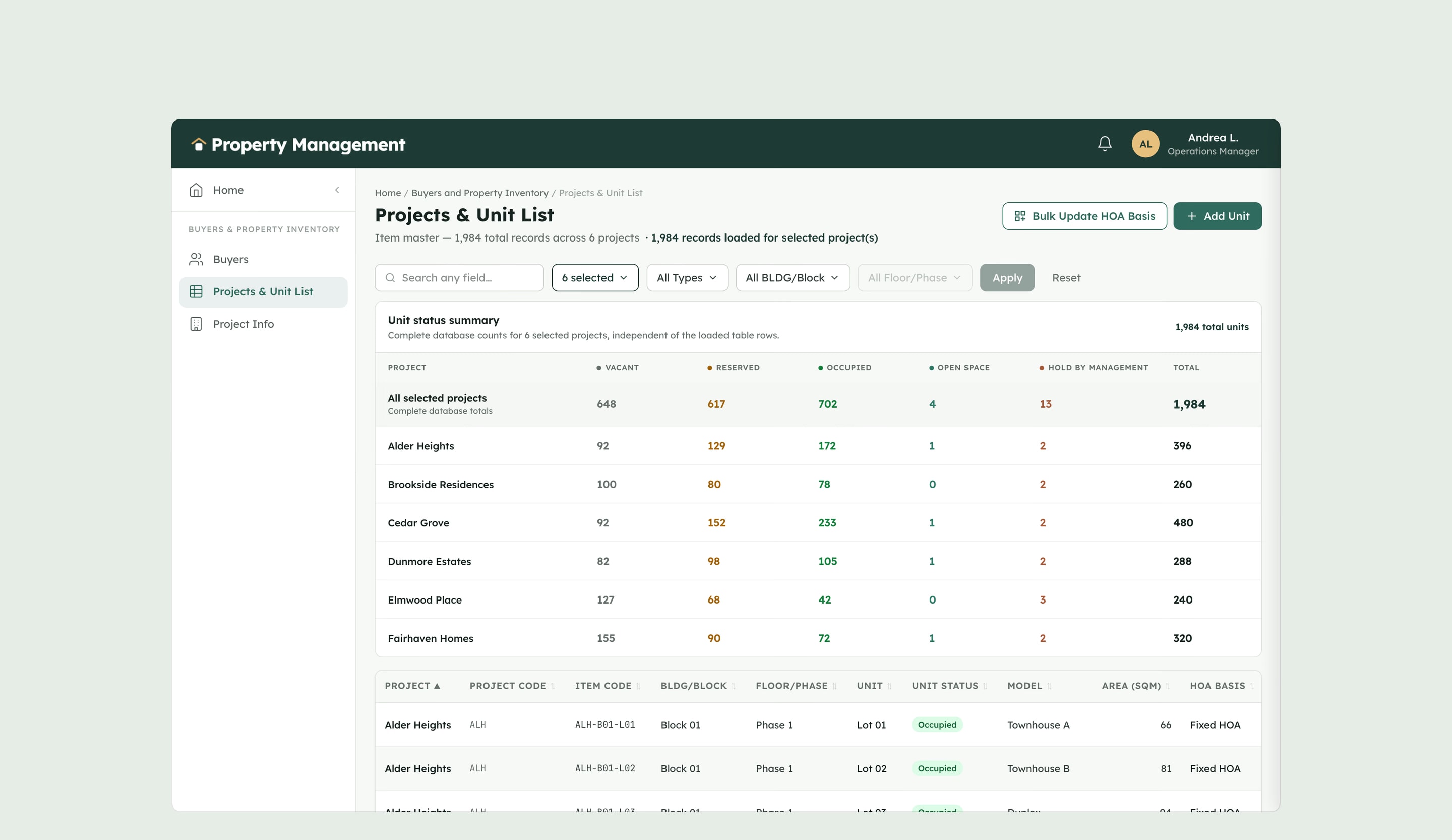
Property Management
From three systems to one in 8 weeks