· 4 min read
Workplace app management: the four levels and how to move up
A 21-question self-check for operations, HR and IT leads, with the four levels of workplace app management and what to do at each.

Operations heads, HR leads and IT managers all depend on workplace software tools like email, file sharing, HR systems and project management apps. The harder part is telling whether the apps your whole team uses are managed well, kept secure and worth what you pay.
We made the Workplace Apps Management Self-Check to help you find out. It is 21 Yes or No questions, and your answers place you at one of four levels, which show where you stand and what to do next. Below are the four levels, the signs of each, and simple ways to improve.
Level 1: Ad Hoc
You are at the starting point. Most of the company's apps and tools are not organized or tracked yet.
Signs you are here
- There is no central list of the apps and software the company uses.
- Many employees use unapproved or "shadow" tools that nobody monitors.
- Security basics like password policies and app permissions are rarely enforced.
- Nobody tracks software costs, licenses or upcoming renewals.
- Software choices are not connected to company goals.
What to do
- List all the software your employees use, including email, chat, HR systems and file storage.
- Ask your team to report any tools they use that are not on the list.
- Set basic rules for which apps people should and should not use, and share them with the team.
- Keep track of what you pay for, what expires soon and which licenses you need.
- If you need help, see the What's Next section at the end of this post.
Level 2: Foundational
You have the basics covered. Some tracking and security is in place, but there are still important gaps.
Signs you are here
- There is a basic inventory of company apps, but it is incomplete or not updated regularly.
- You have found some shadow IT, but those apps do not always get added to the approved list.
- Some security, such as two-factor authentication, is in place, but not on every tool.
- You track some costs but not all, so you may miss savings.
- You make some effort to match tech choices to company goals.
What to do
- Expand your inventory by finding any hidden apps and adding them to the main list.
- Update the inventory at least monthly so it stays current.
- Use strong passwords and two-factor authentication everywhere you can.
- Audit licenses and spending every quarter to catch costs you don't need.
- Start checking vendors for security and compliance when you buy new software.
- If you need help, see the What's Next section at the end of this post.
Level 3: Emerging
You are making good progress. Most apps and tools are tracked and some controls are in place, but there is still room to improve.
Signs you are here
- You have a regularly updated list of all company apps.
- Shadow IT is found, monitored and added to the official list.
- Security features like SSO, MFA and encryption are widely used, but could be more consistent.
- App costs and license use are tracked, with some effort to optimize them.
- Company goals guide most software purchases.
What to do
- Automate onboarding and offboarding so people only have access to what they need.
- Set reminders for permission reviews, and change access when employees change roles.
- Find and cut unused licenses to save money.
- Plan how your software tools will scale as the company grows.
- If you need help, see the What's Next section at the end of this post.
Level 4: Optimized
Your company's apps and tools are well organized, secure and under control.
Signs you are here
- You keep a complete, real-time inventory of every software tool used across the company.
- All unapproved app use is detected, reviewed and brought under central control.
- Advanced security, including SSO, MFA, role-based access and regular audits, is in place for every tool.
- Costs and licenses are fully optimized, and you manage renewals ahead of time.
- Software choices always match business goals and return on investment.
What to do
- Use analytics to anticipate software needs and spot risks early.
- Automate response plans for security incidents involving workplace apps.
- Review new trends and tools regularly for ones that could help the company.
- Keep training staff on security and good practice with new apps.
- To keep your lead, see the last section below.
What's Next
Wherever you are today, small improvements can make a noticeable difference to your company's productivity and security.
Many of the recommendations above are simple and can be done with your current team and tools, so you can start right away. If you don't have the time or resources, or you want expert help setting things up, we can help.
Symph is a partner of Josys, a platform used by over 600 global clients to organize, secure and optimize all their workplace software, and we can make managing your apps easier.
Book a free one-on-one consultation to see how we can help.
More from the blog

July 9, 2025 · 3 min read
Symph partners with Josys on SaaS management for enterprise teams
Symph is now an implementation partner of Josys. We will lead local implementation, onboarding and support for its SaaS and IT asset management platform for Philippine enterprises.

May 22, 2025 · 2 min read
Project DIME: Tracking Public Infrastructure Spending for Every Filipino
DBM, DPWH and UP NOAH launched Project DIME so Filipinos can follow infrastructure spending from budget to completion. Symph is helping build it.
March 20, 2025 · 3 min read
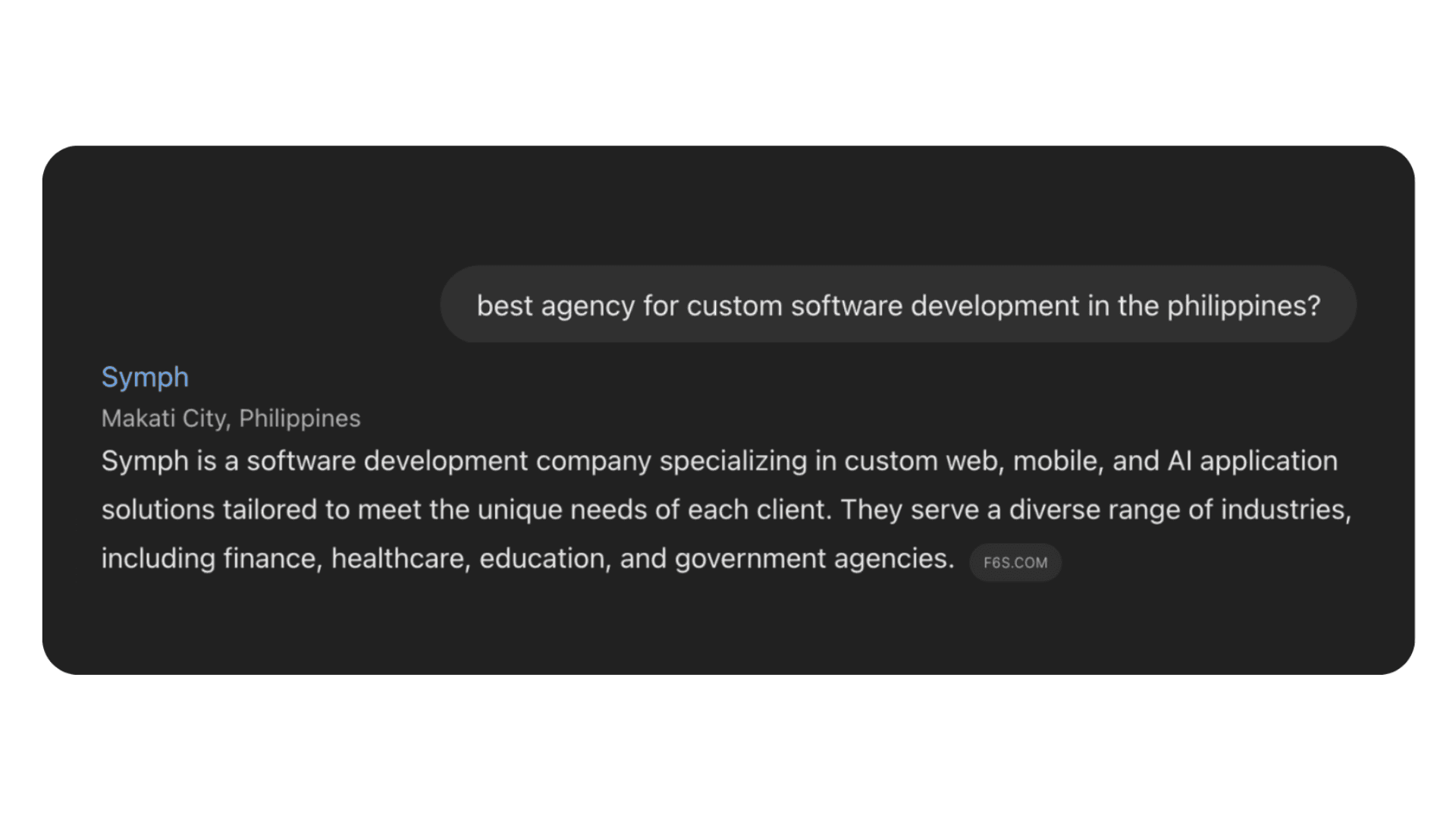
When AI started getting us leads, and we didn't see it coming
Two companies recently found Symph through ChatGPT and Perplexity. What that tells us about how businesses now find a technology partner.