· 3 min read
Symph's 5 Goal-Setting Tools for Your 2019 Goals
The tools our team uses to set and track goals: Trello, Evernote, Effortless, a notebook and pen, and Sublime Text 2.

Goal setting matters for anyone (or any business), and we think it is the ultimate motivator. At Symph we push for growth at work and in our personal lives, and for us goal setting is more than making lists and plans and holding yourself accountable. It also gives us the push to aim for things we never thought possible.
Setting goals and keeping them can get overwhelming, and so can picking the right tool from the many that track them. So we asked our team which tools they use. These work for them, and you can try them to see what works for you.
Trello
Trello is mainly a project management tool that helps a team stay organized, get work done and talk to each other. Its Kanban boards give you a clear visual, and that makes Trello useful outside work too, for keeping your goals on track.
Nikki, our operations lead, uses Trello to jot her ideas down, and so does Franchette, one of our Full-Stack developers:
"I use Trello for my personal goals. I like how I can visualize it and label different types of things so I can break down long term goals to short-term goals."
This is Franchette's board.
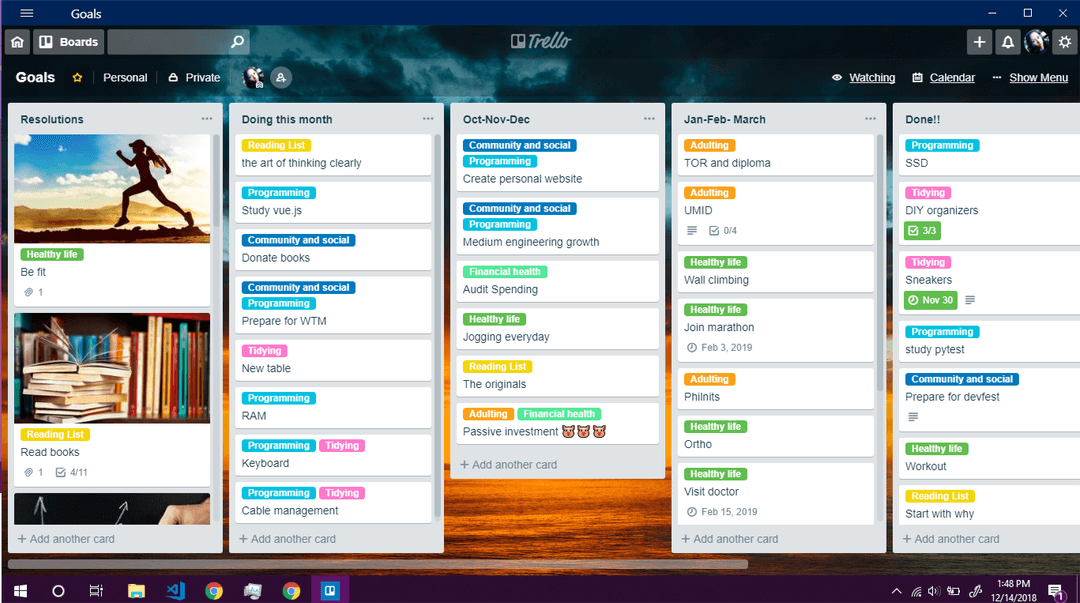
We thought Trello was only for cards like "finish freelance project" and "submit output on deadline".
If your life runs on Google Calendar, like Ashley's does, you can connect Trello to Google Calendar so it keeps you notified (and bugs you to stop binge-watching that series and start the illustration concept you keep putting off for "later").
Evernote
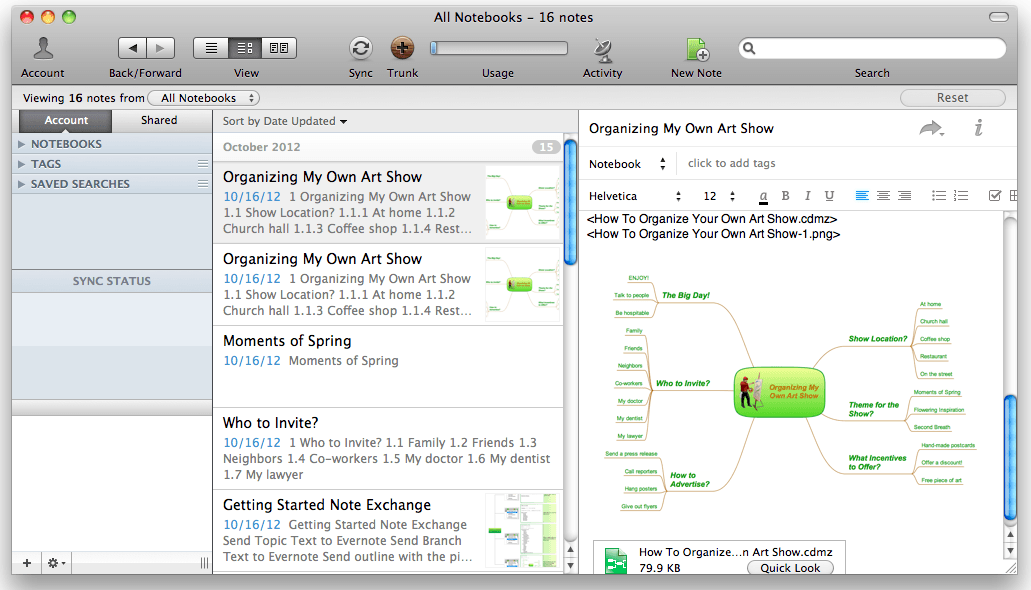
Evernote has been on our team's home screens since Symph's early days. Each of us uses it for something different, from archiving and note taking to goal setting and tracking.
Rosie, a Symph developer and designer, uses Evernote because she can make checklists, group and move things around, and sync it all to her preferred devices.
Effortless
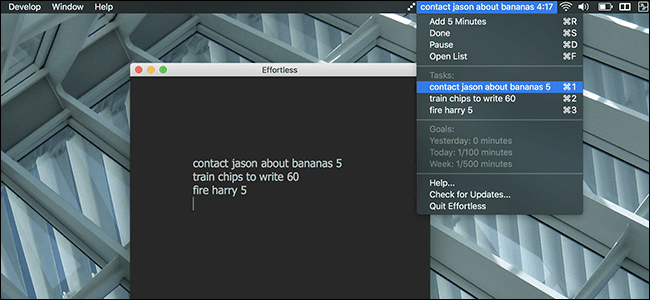
If staying focused is the harder part for you, especially when you spend a lot of your productive time on the computer, take it one day at a time with Effortless. It is a simple, straightforward app for Mac users.
Notebook and Pen
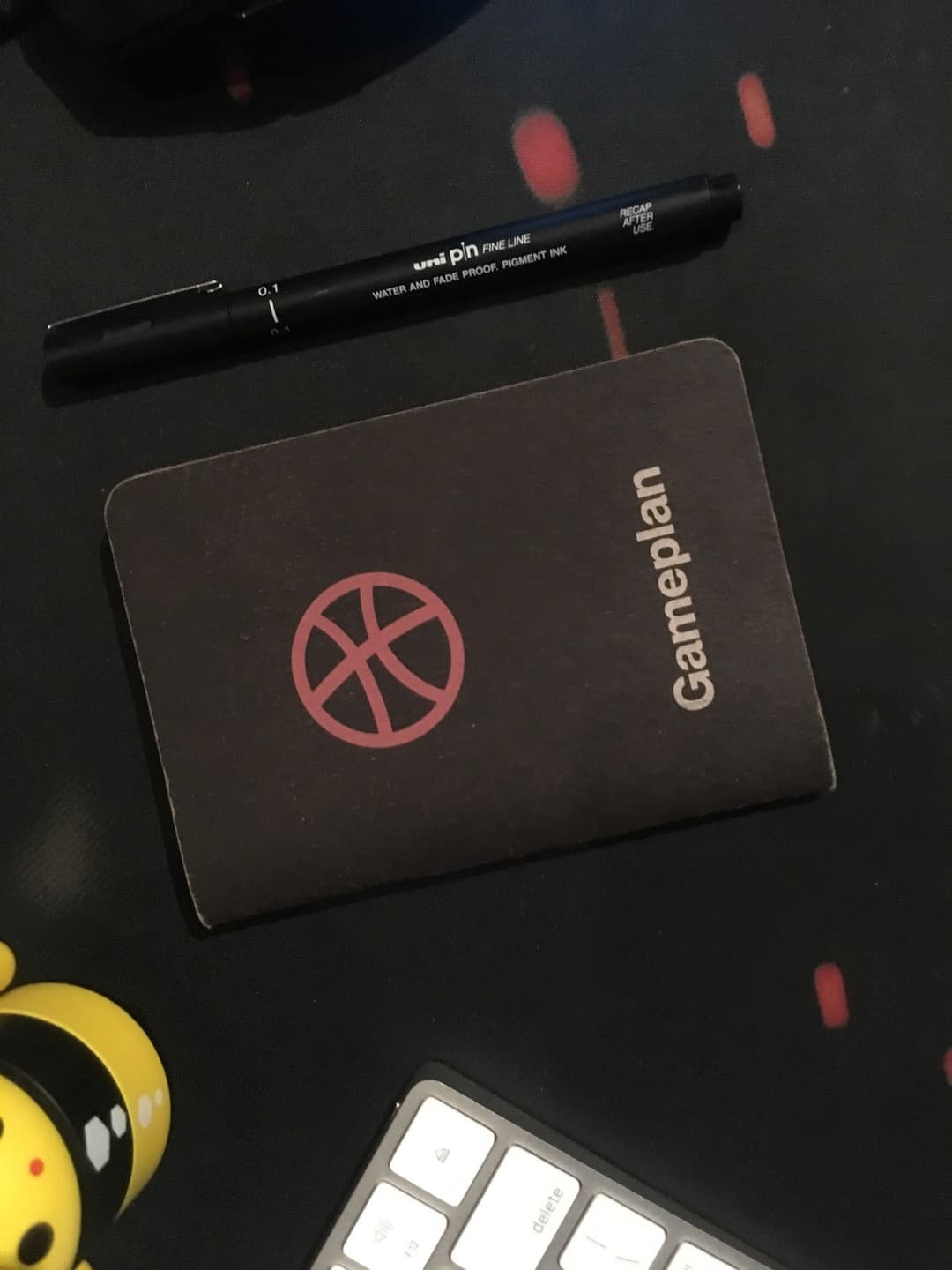
These are our Master Francis' pen and paper tools for setting game plans.
Writing goals down with pen and paper has its own flair, and it gives us a greater sense of accountability than typing on our phones or computers.
If you prefer the old-school route, keep your life and career goals in a small notebook you can bring everywhere. You can also try bullet journaling, starting from a general idea of what you plan to do each day. This guide is a good one to follow, and you can tailor it to your goals.
Sublime Text 2
We are developers, so of course Sublime Text made our list. If you are going to write a list of personal goals, you might as well do it in the tool you are most comfortable with.
Jermaine, one of our mobile developers, keeps his list there:
"I only create a short-term-goals list per day- basically, just tasks that are needed to be done on that day, and if I cannot finish it, I carry it over for tomorrow's list."
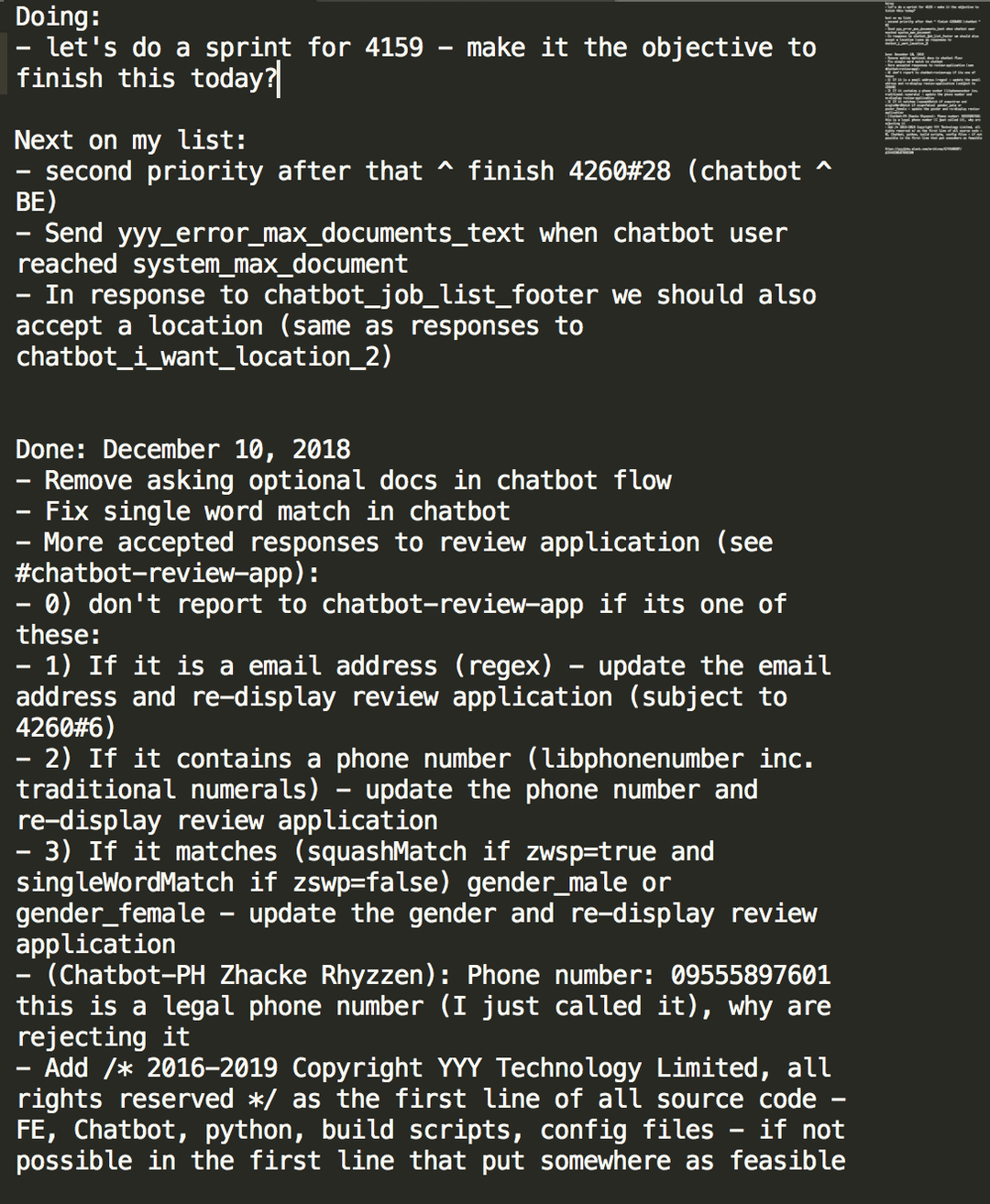
Jermaine adds that he loves Sublime Text because it has a dark background. Night-mode devotees, put your hands up.
None of these tools is fancy. What keeps us in check is a tool we are comfortable using, so tracking goals feels less like a chore and more like part of the day.
If you have a goal-setting tool that works for you, share it with us.
More from the blog
August 10, 2018 · 2 min read
What we got out of Google I/O Extended Cebu 2018
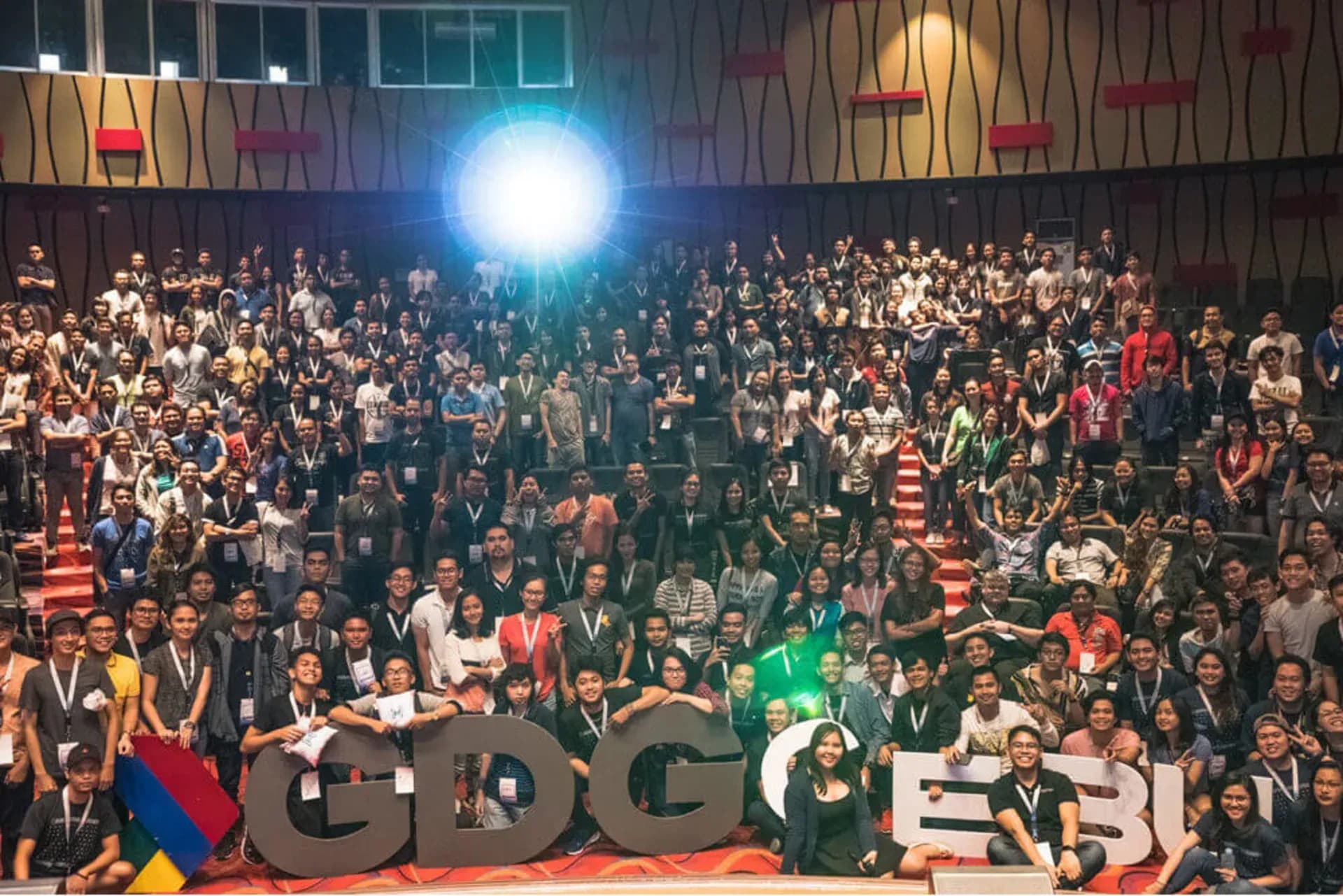
GDG Cebu ran Google I/O Extended Cebu 2018 on July 21 at the University of San Carlos, Talamban. We played Pacman with machine learning, watched a Firebase face detection demo and went home with new knowledge.
November 24, 2017 · 2 min read
5 Things You Missed at Devfest gDay x Cebu 2017
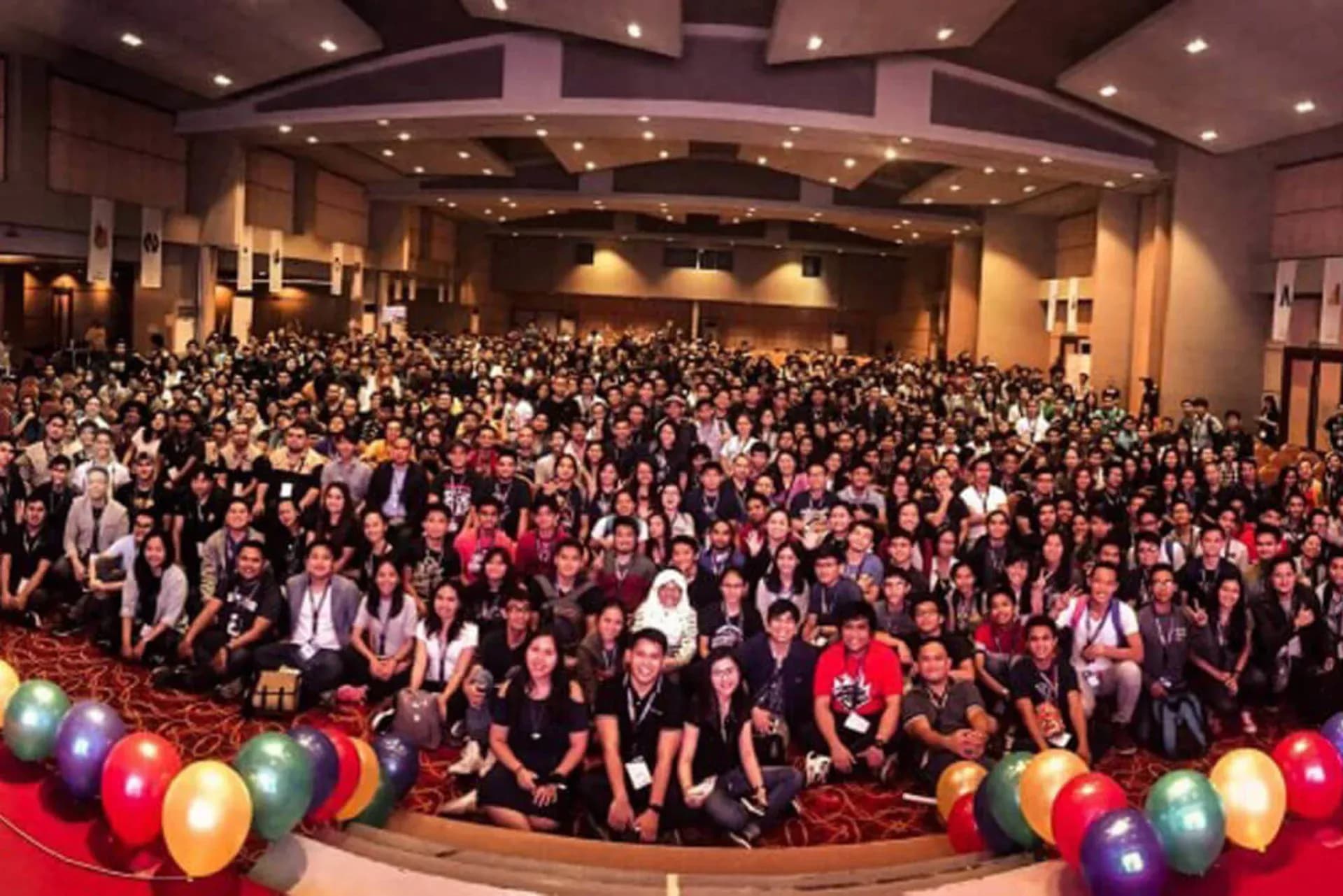
Around 1,200 people came to Devfest gDay x Cebu 2017 for talks, workshops, reverse pitching, Code in the Dark and giveaways. This is what you missed.
August 7, 2026 · 3 min read
Why prototypes fail the moment real users show up
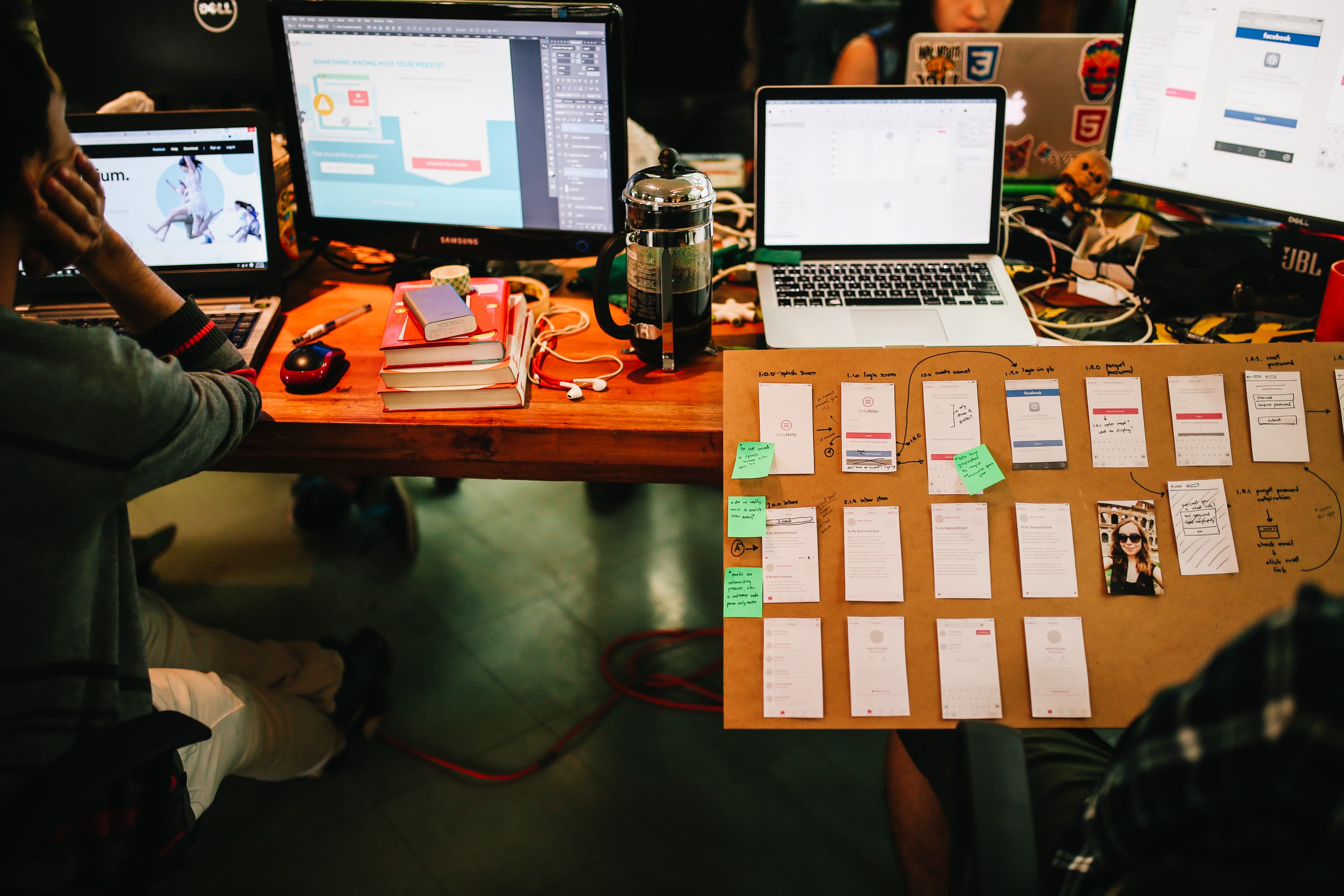
Our CTO Raven Duran's test for whether a prototype is ready for real users, and why it matters more now that AI makes anything look finished.